NX Tutorials and NX Blogs

Stay Up to Date on Our Siemens Software NX Tutorials & Blogs

If you have a specific NX tutorial you would like to see that Swoosh has not yet published, please get in touch with us and inquire today!

  • All
  • NX CAM
  • Solid Edge
  • Teamcenter
  • NX CAD
  • NX CAD
  • Femap
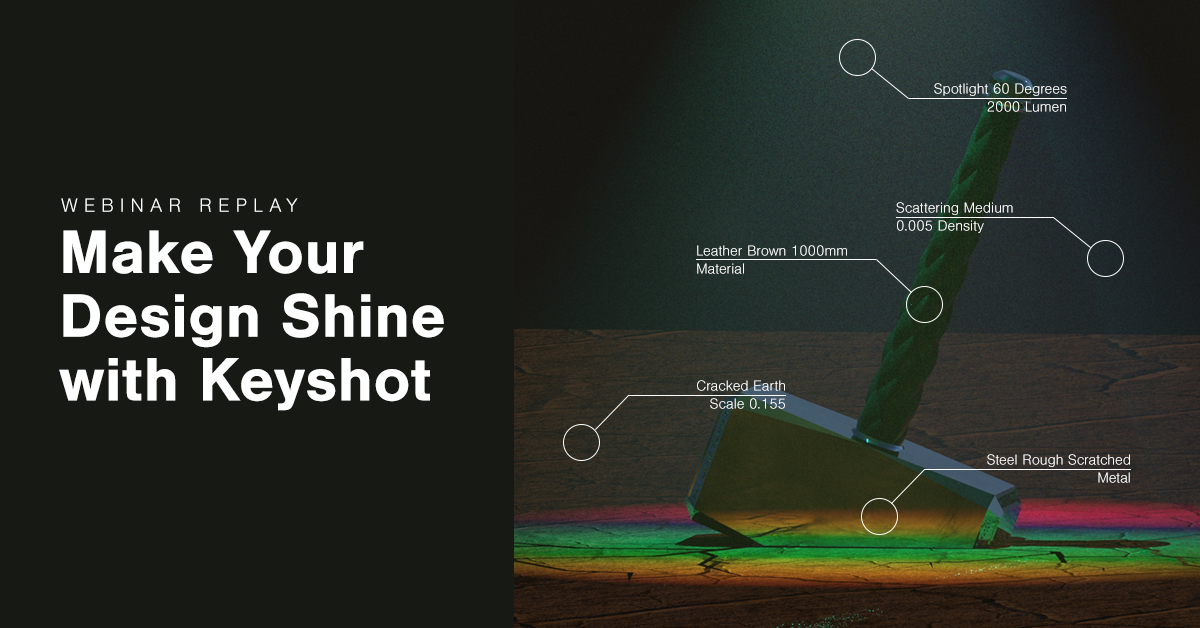
Make Your Design Shine with KeyShot Lights, camera, Keyshot! Swoosh Application Engineer and Keyshot Kurbrick Dylan Malek introduces the program's key features. In just a few steps, transform your dull geometry into a photo-realistic rendering that will even fool you. Choose the materials that make up your design then add custom lighting that interacts in [...]

June 24, 2019

1

Hole Chamfer Milling Using An Offset A new method has been added to the Hole Chamfer Milling operation for NX 11. You can now control the depth of the tool by offsetting the specified Drive Point. In this article, I will discuss how easily this can be accomplished. So how does it work Hole Chamfer [...]

June 20, 2019

1

Customize Your Drawing Template in NX Don't use the default! Learn how to create a custom drawing template for your designs. No two companies look alike and neither should your drawing templates. In this 32-minute webinar, Application Engineer Reese Shearer covers how to predefine the look and format of your sheets to be consistent and [...]

June 14, 2019

1

Planar Profile Ramping On Walls - NX CAM In this NX CAM presentation in Fixed-axis Milling, I will discuss a hidden Floor_Wall path operation that you may have overlooked. This path is located in Cut Pattern selection: Profile. I'll start by reviewing a normal path with the default Cut Depth "Levels." Then we'll discuss the [...]

June 11, 2019

1

NX 1847 Continuous Release & Beyond! 10, 11, 12... 1847? The newest release of NX ditches the yearly updates and starts the beginning of the continuous release methodology. As we help our customers configure the update, we know there's a lot of questions about how these periodic downloads will affect your process. In this 63-minute [...]

May 31, 2019

0

Mold Wizard Making molds is easy as 1, 2, 3 with a built-in step-by-step process that walks through designing your assembly. Mold Wizard in NX dramatically outperforms traditional CAD by automating much of the process. First, the program validates that your part can be manufactured properly. Then it gets to work designing the mold assembly […]

May 3, 2019

0

Design for Manufacturability In this 38-minute webinar, Application Engineer David Chiu covers Design for Manufacturability software in NX which automatically checks for design flaws that are expensive, difficult, or impossible to manufacture so you can avoid expensive and time-consuming rework.

April 26, 2019

0

Smoother Saddle Joint Profile with Ruled Surface In the above video, I wanted to demonstrate how to create a frame tip in Solid Edge. The default method creates a standard saddle joint. The method I used creates a smoother profile on the edge. Creating the Frame Start by creating a new assembly and entering the [...]

April 25, 2019

0

NX Continuous Release Processes This article reviews the processes and options available in the newest NX “continuous release” version. A fair number of customers still don’t know quite what this means. Let’s eliminate that ambiguity! Until the end of 2018, NX software operated like every other CAD/CAM/CAE application. Covert versions of the software including improvements [...]

April 5, 2019

2

3 Of My Favorite New Features in NX 1847 Continuous Release, Help Enhancement, & Assembly Constraints I recently had a conversation with an old colleague about NX and its refreshed user interface. She had a few thoughts about the new look and questioned why changes were made to the new layout. Engineers shape the entire [...]

March 29, 2019

0

Out with the old, in with the new explorer. You may have heard: Siemens is moving toward a new UI for dialogs. It's called Explorer. Here's a comparison: Traditional Planar Milling Explorer Planar Milling To enable the new explorer dialog: First create or edit an operation. Then expand the Options portion of the dialog. Finally, choose Customize [...]

January 25, 2019

0

Using NX CAM Templates NX CAM are used as a master model technique.  You have a file that you are the owner of while the master geometry can remain untouched.  It is a one-component assembly.   Using a template has many benefits and can be customized for individual machines on the floor and can have fixturing, [...]

August 17, 2018

0

NX CAM Turning Enhancement for NX 11 You probably know that NX 11.0.2 is the version where the major enhancements for CAM were released. Some of the enhancements are not always related to the machining of the part but can still be very helpful in the visualization of your operations. Such is the case with [...]

July 11, 2018

0